


90 Day Live Event Social Media Plan for Event Teams
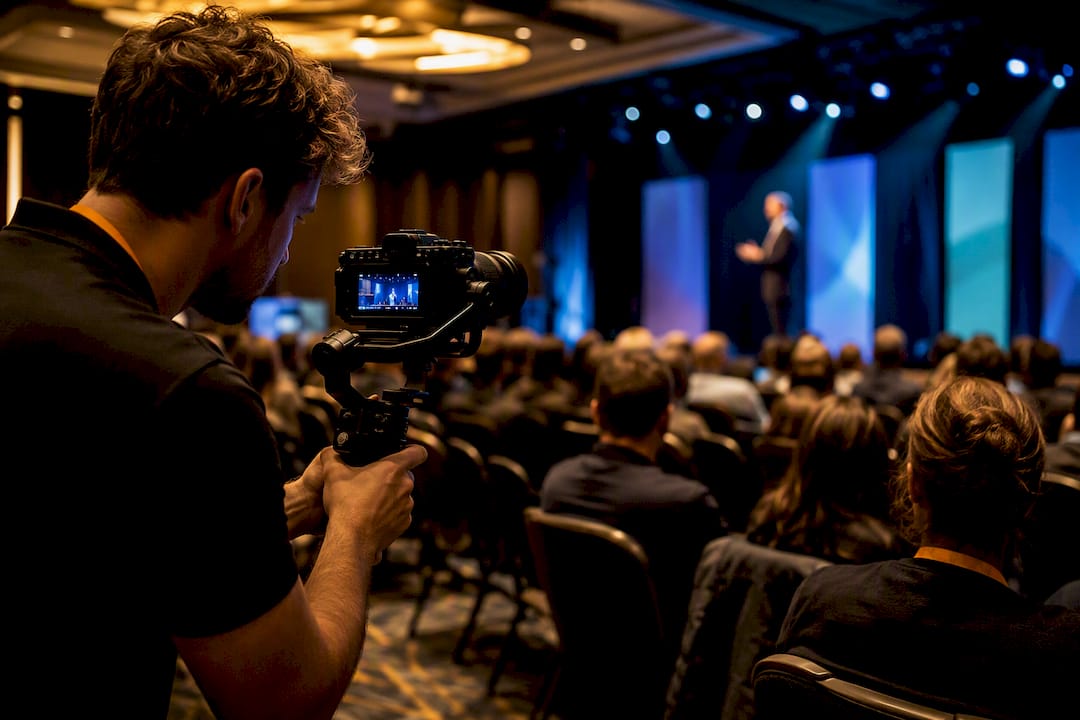
The single best approach to live event social media is to pick one or two primary platforms where your audience already spends time, build short-form video and UGC capture into your event-day plan, and track every link with UTMs and QR codes. Optimize for three measurable outcomes: registrations attributed to social, hashtag mentions per hour, and conversions you can trace back to a specific post. Some social media agencies build this exact structure into every event engagement they run.
TL;DR:
Focusing on one or two key platforms where your audience already engages increases social media ROI for live events.
Use UTMs, QR codes, and real-time dashboards to accurately track registrations, mentions, and conversions attributable to social media efforts.
Pre-build and batch content over a timeline from 90 days out to ensure smooth event-day execution without last-minute scrambling.
Assign specific roles for live coverage, prioritize short-form videos, and facilitate attendee UGC with incentives and clear signage.
Ensure all attendee content is used legally by securing explicit consent during registration or on-site, and reinforce social media presence with physical signage and coordinated event prompts.
How Do You Choose the Right Platforms for Live Event Social Media?
Most event teams try to be everywhere and end up strong nowhere. A tighter approach works better: concentrate the majority of your effort on the platform or two where your specific audience already congregates, rather than splitting attention six ways. That concentration is what separates event teams who generate real engagement during live events from ones posting into silence.
Different platforms serve different jobs. LinkedIn carries weight for B2B conferences and professional summits where attendees want to be seen networking. Instagram and TikTok dominate experiential and consumer events, especially anything visual, food-related, or music-driven. X still wins for real-time commentary, breaking session news, and speaker quotes that spread fast. Facebook holds its ground for local and community events where attendees are parents, neighbors, or longtime members of an organization.
Run this checklist before committing budget or staff time to a platform:
Where does your registered audience already spend time, based on past event data or ticket-source analytics?
What content format does that platform reward: video, text threads, photos, or Stories?
Can you afford paid targeting there, even a modest boost budget for key posts?
Do you have staff capacity to publish and moderate on that platform during the event itself?
Once you’ve picked your primary and secondary platforms, set two or three goals you can actually measure. A workable goal set looks like: registrations attributed to social traffic, hashtag mentions per hour during peak sessions, and video watch-through rate on your top three Reels or TikTok clips. Give your primary platform the bulk of your live-posting resources and staffing; the secondary platform gets a lighter cadence, mostly repurposed content. This is a smaller decision than it sounds, but it’s the one that determines whether your event-day team is stretched thin or focused.
Building a Pre-Event Content Calendar and Asset Library
The teams that look calm on event day aren’t improvising. They built their content weeks earlier and spent event day executing a plan, not creating one from scratch. A staged timeline keeps that process from collapsing into a scramble the week before doors open.
90 days out: announce the event, post a save-the-date graphic, and open registration links with UTM tags already attached.
60 days out: reveal your first speaker or lineup names with individual spotlight graphics for each one.
30 days out: start a countdown series and publish a short teaser reel showing last year’s highlights or venue footage.
14 days out: push ticket urgency messaging and share behind-the-scenes prep content from your team.
7 days out: finalize your hashtag, brief every speaker and sponsor on it, and distribute your social media kit.
1 day out: post a final countdown, confirm your on-site team’s shift schedule, and pre-load your caption bank.
Build your asset checklist alongside that timeline: teaser reels, speaker spotlight graphics, Stories templates sized for vertical viewing, a shared GIF pack for reactions, and a caption bank with pre-approved copy for common post types. Batching this content in one or two long sessions, rather than piecemeal, cuts production time significantly and keeps your visual identity consistent. Pre-built templates and image libraries reduce the friction of same-day posting more than almost anything else in this list, because nobody is designing graphics while a keynote is running.
Name your files with a consistent convention, something like EVENTNAME_DATE_ASSETTYPE_NUMBER, so anyone on your team can find and publish the right graphic in seconds. For speakers and influencers, send a short content brief two weeks out: their assigned hashtag, tagged handles, any embargo dates, and a simple clearance process for using their photo or quote. Reference our event social media templates if you want a starting structure instead of building one from a blank document.
Pro Tip: Build your caption bank with fill-in-the-blank slots for speaker names and session titles. Your on-site team should be able to publish in under 90 seconds without waiting on approval.
Running Live Coverage, UGC Capture, and Social Walls on Event Day
Event-day execution comes down to four roles, even for a small team: a live host who fronts video, a shooter capturing photo and video content, a moderator watching the hashtag and UGC stream, and a publisher who actually posts. A team of two can double up roles, but someone has to own moderation, or your feed fills with off-brand or off-topic content fast.
On format, lean toward short video. Short-form clips are the most efficient format for event coverage, while live streams that run past 10 minutes tend to hold viewers better for keynotes and panels worth the longer watch. That split matters: use short clips for hallway moments and quick reactions, and save longer live video for your main-stage sessions where people are willing to settle in. Mix both, since combining short clips with longer streams maximizes both discovery and retention.
Live-tweeting still earns its place for sessions with quotable content. Prepared handles, pull-quote templates, and speaker name spelling checked in advance turn a chaotic thread into a searchable, shareable record of the event’s best moments.
Your UGC capture system needs three pieces working together:
A single, short, easy-to-spell hashtag posted on every screen, badge, and printed sign.
A QR code linking to an upload portal or a UTM-tagged landing page for attendee photo submissions.
A photo booth or backdrop with clear signage explaining how to enter a contest or get featured.
Attendee UGC becomes a genuine force multiplier when it’s paired with visible incentives. Contests, shoutouts, or small prizes noticeably increase how much attendees actually post. Run every submission through a quick rights and moderation checklist before it goes on your wall: no visible minors without a guardian’s consent, no unflattering candid shots, nothing off-brand.
Place your social wall at high-traffic congregation points, not tucked into a side hallway. Registration lines, food stations, and break areas generate organic impressions because people are already standing there with nothing to do but look up.
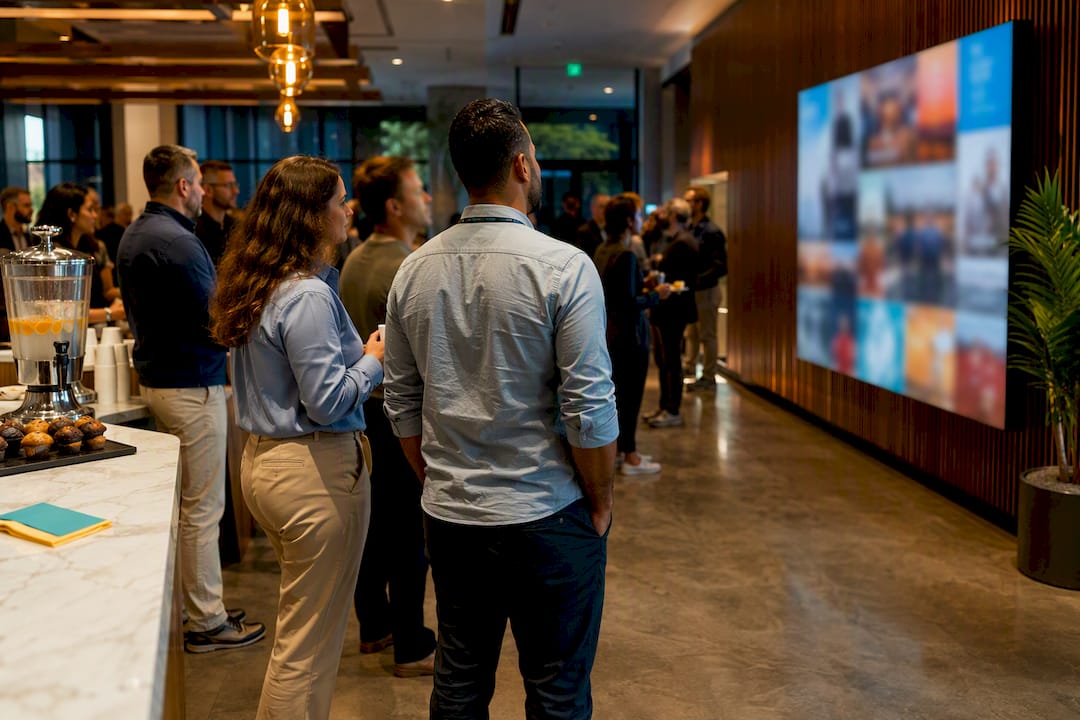
A workable posting cadence during a full event day looks like: one live post every 30 to 45 minutes on your primary platform, a Stories update every session break, and a wrap-up recap post within an hour of doors closing. Pro Tip: Keep a running caption template like “Live from [session name]: [quote or highlight]. Follow along at #[hashtag].” It shaves seconds off every post and keeps tone consistent across your whole team.
Setting Up UTMs, QR Codes, and Live Dashboards to Prove ROI
You cannot claim credit for a registration or a conversion you can’t trace, which is why tracking infrastructure has to be built before the event, not bolted on after. UTM tracking on every channel, tied to QR codes that route to those same UTM-tagged landing pages, is what lets you attribute a specific sign-up to a specific post or a specific spot on the venue floor.
Use a consistent UTM naming convention across your team so nobody has to guess later what a tag means. A workable pattern:
Organic posts: utm_source=instagram&utm_medium=organic&utm_campaign=eventname2026
Paid ads: utm_source=facebook&utm_medium=paid&utm_campaign=eventname2026
Speaker or sponsor links: utm_source=speakername&utm_medium=social&utm_campaign=eventname2026
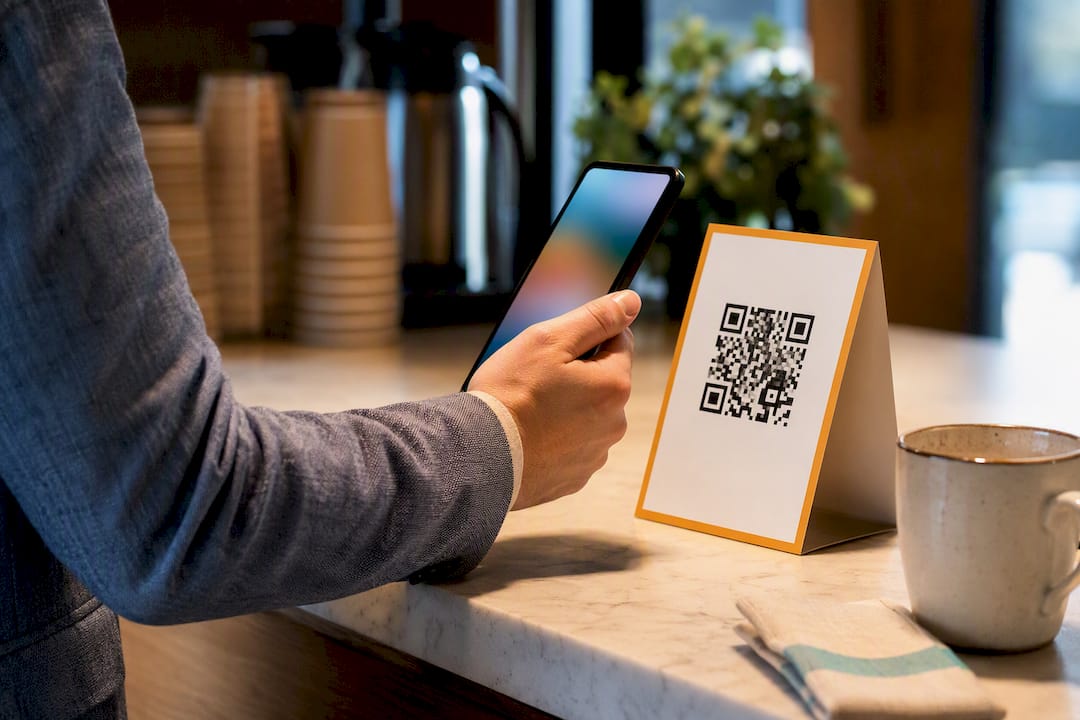
Place QR codes on session signage, badges, and printed programs, each one routed to a UTM-tagged landing page specific to that placement, so you know whether the badge QR or the hallway signage QR actually drove the click.
Set up a real-time dashboard during the event tracking four things: your hashtag stream, impressions, engagement rate, and click-throughs on tagged links. Watching this live lets your team react, boosting a post that’s overperforming or fixing a broken link before it costs you conversions for the rest of the day.
Nearly two-thirds of event organizers who track UTM and QR performance separately from general social metrics report clearer attribution when tying conversions back to specific channels, according to guidance on tracking event ROI with UTM links. After the event, run through an attribution checklist: total tagged conversions by source, hashtag volume against registration spikes, and video completion rates by platform. For a deeper framework on tying these numbers to actual business value, see our guide on measuring social media ROI.
Turning Event Coverage Into a Long-Term Content Library
Everything you capture live has a second life if you tag and store it correctly. Build a rights-cleared content library immediately, sorted by session, speaker, and asset type, so your team isn’t digging through a camera roll six weeks later trying to remember what’s usable.
A repurposing roadmap keeps that library from sitting untouched:
Cut your best live footage into a highlight reel within the first week.
Pull individual quotes and reactions into short microclips for ongoing feed content.
Turn standout quotes into branded graphic templates for weeks of future posts.
Write a blog recap that embeds your top social posts and links back to registration for next year.
Repackage strong UGC and video into creatives for paid retargeting campaigns.
For sponsors, this library becomes proof of delivered value. A rights-cleared content library tagged for later use gives you the raw material to build a sponsor report showing exact impression counts, UGC volume, and reach, rather than a vague summary. Our guide on how to repurpose content walks through the mechanics in more depth.
Timing matters here. In the first two weeks, publish your highlight reel and recap while the event is still fresh in people’s minds. Between weeks two and six, roll out microclips and quote graphics at a steady pace to keep the event’s momentum alive without overwhelming your feed. Past six weeks, that content shifts into evergreen use: retargeting ads, next year’s promotional teasers, and case study material for sponsor renewals.
What Happens When Something Goes Wrong on Social During the Event?
Live events break in public, and your social channels are often the first place attendees look when something does: a delayed session, a canceled speaker, a venue issue, or a viral complaint. The instinct to stay quiet until you have a full statement is almost always the wrong one. Silence reads as confusion or indifference, and it lets rumors fill the gap on your own hashtag.
Assign one person, usually your moderator or a senior team member, as the sole voice authorized to post during a crisis. That person needs a short holding statement template ready before the event even starts: an acknowledgment of the issue, what your team is doing about it, and a timeframe for the next update. Post it fast, even if it’s just “We’re aware of the delay in Ballroom B and will update you within 15 minutes.” A fast, honest holding statement almost always outperforms a polished one that arrives too late.
Monitor your hashtag stream continuously, not just for volume but for tone. A spike in mentions paired with negative sentiment is your earliest warning sign, often before venue staff even notice the problem on the ground. Have a private escalation channel, a text thread or a messaging app group, so your social moderator can flag a real problem to event operations without posting anything publicly first.
Never delete a legitimate complaint unless it violates your actual community guidelines. Deleting valid criticism during a live event tends to generate more backlash than the original issue.
Do You Need Permission to Post Attendee Photos and Video?
Yes, in almost every case. Attendee photos, video, and quotes captured on-site are still that person’s likeness, and using them in your marketing without consent creates real legal exposure, particularly if the content implies endorsement of your brand or event.
The cleanest fix is consent built into the registration process itself. Add a photo and video release clause to your ticketing or sign-up flow, stating clearly that attendance may involve being photographed or filmed for promotional use. Post signage at entrances reinforcing that same notice, since a single line buried in a terms-of-service checkbox six weeks before the event is easy for attendees to forget.
For anything beyond a general crowd shot, close-up photos, on-camera interviews, or UGC you plan to feature prominently, get a specific verbal or written release on the spot. This matters even more for minors, where a parent or guardian’s consent is necessary regardless of what your general event terms say.
Speaker and sponsor content carries its own rules. Confirm what each speaker has agreed to before the event, since some contracts restrict recording of proprietary material or limit how long clips can stay posted. Build your clearance process into your pre-event speaker brief, not as an afterthought during a busy event week.
Keep a simple log of who consented to what, especially for any content going into paid ads or sponsor deliverables after the event. It’s a small administrative step that saves real trouble if someone later asks you to take content down.
Connecting Social Media to Onsite Signage and Event Marketing
Social media performs best at live events when it’s reinforced by what attendees see on the ground, not treated as a separate channel running in parallel. Your hashtag, QR codes, and handle should appear everywhere: registration desks, session signage, badge lanyards, printed programs, and any digital screens in common areas.
Signage placement follows the same logic as social wall placement: put it where people are already standing still, waiting in line, or between sessions with a few idle minutes. A QR code on a screen nobody passes is wasted print budget. A QR code at the coffee station during a 20-minute break gets scanned.
Coordinate your on-site emcee or stage host with your social team so hashtag callouts happen at natural moments, right after a strong session, during a break announcement, or before a big reveal. A verbal reminder from the stage drives noticeably more hashtag use than signage alone, because it happens at the exact moment attendees are already reacting.
If you’re running a photo booth or a branded backdrop, make sure the signage there explicitly explains what to do: the hashtag, the tag handle, and any contest mechanic, printed large enough to read from a few feet away. Ambiguous instructions are the single biggest reason a well-placed photo opportunity generates far less UGC than it should.
SOL Social Media’s Perspective: Operational Checklists and Common Failure Points
Most live event social media plans don’t fail on strategy. They fail on infrastructure. Weak venue Wi-Fi, dead phone batteries at your content hotspots, and social walls tucked into a corner instead of a queue line quietly undercut plans that looked solid on paper.
Events staffed for live social media coverage typically include a live host, a shooter, and a moderator at minimum, with a written handoff checklist for every shift change: hashtag volume so far, unresolved UGC clearance questions, and battery or connectivity status at each station. Rights clearance gets built into that same handoff, not left as a loose end. If you want a starting framework instead of building one from scratch, see resources like this conference social media playbook which covers structures often deployed on-site.
How SOL Social Media Runs This Playbook for You
You don’t have to staff this yourself. SOL Social Media runs the entire structure above as a done-for-you service: platform strategy, pre-event content batching, on-site live coverage staffing, and a post-event content library, delivered without you having to hire, train, or coordinate a team from scratch.

A typical engagement starts with platform and goal planning, moves into pre-event asset production using the same timeline outlined earlier, and includes day-of staffing for live posting, UGC moderation, and social wall curation. After the event, you get a tagged, rights-cleared content library ready for repurposing and sponsor reporting. For businesses that want ongoing community-building beyond a single event, our social engagement services cover the same live coverage and audience-interaction work as a recurring package rather than a one-off. If accessibility is part of your event plan, we also point clients toward partners like Live Caption AI for live captioning on video content.
If you’re planning an event and want this handled rather than built from a blank spreadsheet, reach out through our community involvement page to talk through what your event needs and get a quote for coverage.
Sources
FAQ
What Is the 5:3:1 Rule for Social Media?
The 5:3:1 rule suggests that for every nine posts, five should be from others in your industry or community, three should be your own original content, and one should be a direct promotional post. It’s a useful ratio for everyday posting, though live event coverage typically skews much more toward original, real-time content during the event window itself.
What Are Some Popular Platforms for Live Event Coverage?
Instagram and TikTok lead for experiential and consumer-facing events because of their short video formats, while LinkedIn works best for B2B conferences and X remains strong for real-time commentary and live-tweeting sessions. Facebook still performs well for local and community-focused events where attendees expect group updates.
How Do I Create a Live Event Social Media Plan?
Start by mapping your audience to one or two primary platforms, then build a pre-event content calendar with checkpoints at 90, 60, 30, 14, 7, and 1 day before the event. Layer in a UGC capture system, a social wall, and UTM or QR tracking so you can measure results once the event ends.
How Long Should Live Video Streams Be During an Event?
Live streams running longer than 10 minutes tend to hold viewer attention better, especially for keynotes and panels, while shorter clips under a minute work better for quick reactions and hallway moments. Mixing both formats generally maximizes discovery and retention better than relying on one alone.
Does SOL Social Media Handle Live Event Coverage Directly?
Yes. SOL Social Media provides on-site staffing for live coverage, pre-event content batching, and post-event content library delivery as part of its social media management services for small businesses running events.
Recommended
The focus on one or two core platforms, UGC capture, and tracking links with UTMs and QR codes makes this plan genuinely actionable for event teams. I’m adding this to my toolkit—check out https://mageai.site/blog