


3 Tests, 4 Roles: Boutique Instagram Ideas That Drive Sales
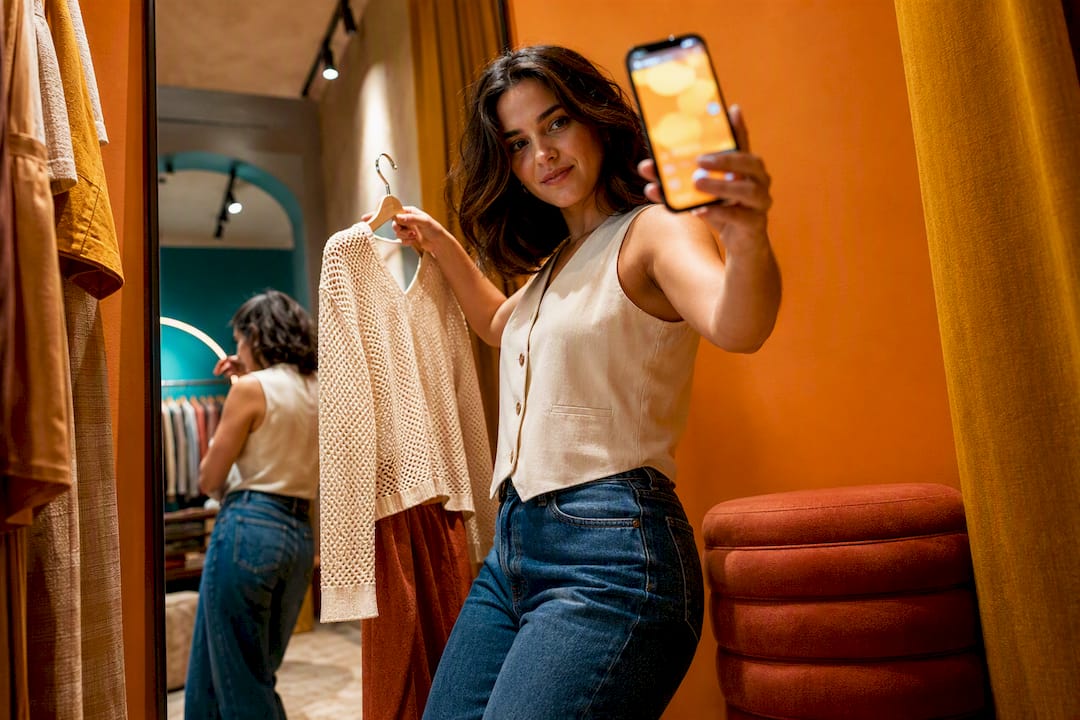
The winning content mix for boutiques is simple: Reels for discovery, styling carousels for saves, and Stories for the DMs that close the sale. Likes don’t pay rent, so track saves and direct messages instead. SOL Social Media has watched boutiques trade flat-lay product photos for styled, human content and see real jumps in DM volume, which is where most boutique sales actually happen.
TL;DR:
Reels should focus on outfit try-ons and trend remixes to maximize reach, while carousels highlight styled looks to boost saves and direct messages.
Trust-building posts like customer reviews, user-generated content, and clear return policies are crucial to reduce hesitation and encourage purchases.
A consistent weekly content plan, consisting of three Reels, two carousels, and one community post, balances discovery and engagement without overwhelming.
Tracking saves, DMs, Story interactions, and profile visits provides better sales insights than likes, with experiments testing carousel types and CTA wording yielding actionable data.
Prioritizing authentic founder content and real customer photos over flat product shots builds confidence and increases conversions through trust and relatable storytelling.
Boutique Instagram Ideas Organized by Content Role
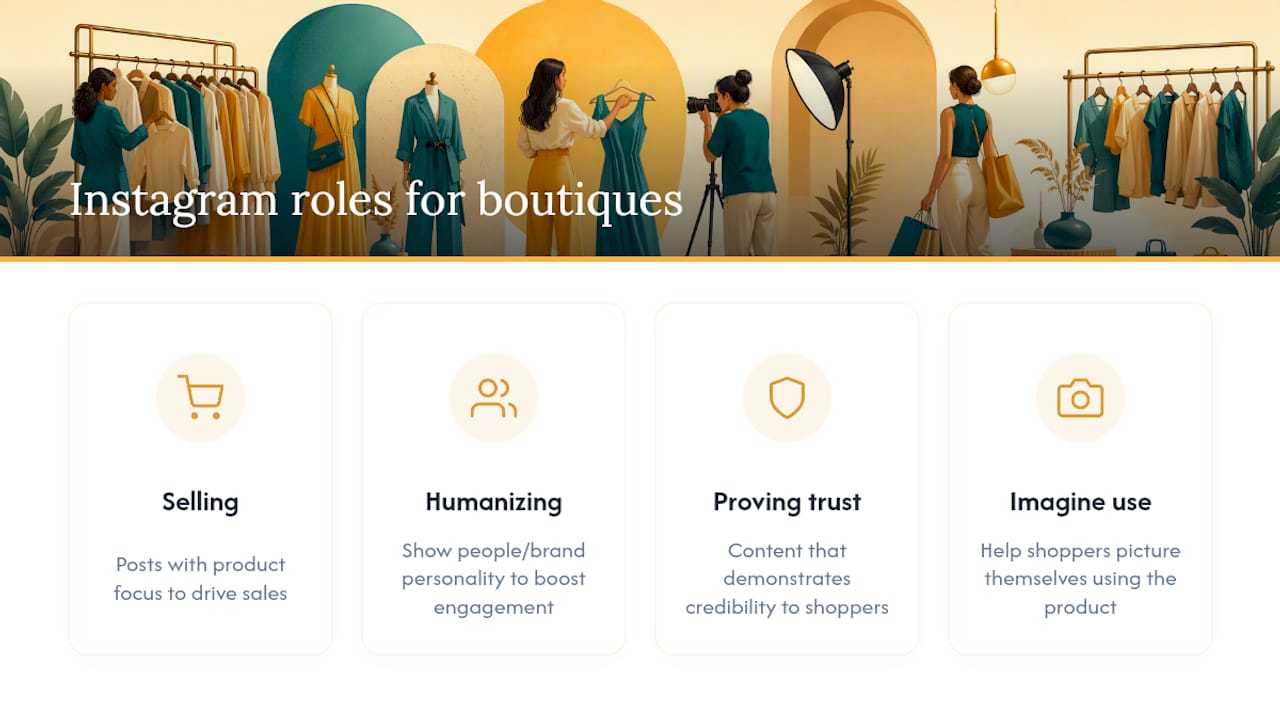
Most boutiques post product photos and call it a strategy. The stronger approach organizes content into four roles: selling, humanizing, proving trust, and helping shoppers imagine themselves in the product. This role-based framing, recommended in Shopify’s retail guide, gives every post a job instead of leaving it to compete for attention on looks alone.
Selling posts (drive saves and DMs)
Styling carousel: Show one item styled three ways. Caption: “Swipe for the office-to-dinner version.” CTA: “DM us for sizing.”
Fit note post: A quick note on true-to-size, stretch, or length. CTA: “Save this before you order.”
Restock alert: Photo of the item back in stock with sizes listed. CTA: “Comment your size to claim it.”
Bundle idea: Two or three pieces styled as a complete look. CTA: “Tag someone who needs this outfit.”
New arrival teaser: A close-up detail shot before the full reveal. CTA: “Guess the price, we’ll tell you tomorrow.”
Humanizing posts (build connection)
Founder pick: You wearing your favorite current piece with a one-line reason why.
Behind the rack: A short clip of you steaming, tagging, or unpacking new inventory.
Staff style: A team member’s outfit of the day, tagged with product links.
Why we chose this: A caption explaining what made you order a specific piece for the shop.
Trust posts (reduce hesitation)
UGC repost: A customer photo wearing your product, credited and tagged.
Review screenshot: A short, real customer comment turned into a graphic.
Return policy reminder: A friendly, non-salesy post on sizing exchanges.
Local pickup shoutout: A photo of a local customer picking up their order.
Imagination posts (help buyers picture it)
Three ways to wear it: One piece styled for work, weekend, and travel.
Occasion guide: A carousel tagged “wedding guest edit” or “fall date night.”
Mini lookbook: Five outfits from one week’s inventory drop.
Save-driven formats like styling carousels and fit notes consistently outperform flat product photos on save rate, which matters more than it sounds. For a broader menu of formats beyond these four roles, SOL Social Media’s guide on social media post ideas covers additional angles worth testing.
Reels That Get Boutiques Discovered
Reels exist to bring strangers to your profile; carousels exist to make them save it. That split is well documented in retail guidance on Stories versus Reels roles, and it should shape how you plan your week.
Concepts worth batching:
Try-on transitions: Outfit changes cut to a beat drop, three to five looks in 15 seconds.
Get ready with me: Styling one outfit start to finish, narrated in captions.
New drop reveal: Fast cuts of the box opening and the first item pulled out.
Size and fit demo: Same item on two different body types.
Store walkthrough: A 10-second pan across a new display or rack.
Trend remix: Your product styled to match a trending audio’s mood or pace.
Pick trending audio inside Instagram’s Reels tab rather than guessing, and test two versions of the same concept at different lengths to see which holds completion rate longer. A 3-2-1 weekly cadence, recommended for boutiques competing with fast fashion, works because Reels rarely need more than three per week to keep discovery steady.
Pro Tip: Block two hours once a week, shoot five Reels back to back in one outfit change session, and you’ll never scramble for content again. For shot-by-shot production help, SOL Social Media’s breakdown on creating Reels that get views is worth bookmarking.
Stories and Stickers That Turn Interest Into Sales
Stories are where low-production, high-authenticity content wins. Quick try-ons and polls feel personal in a way polished posts never will, and that immediacy is exactly what nudges a browser into a buyer.
Poll: “Which color should we restock, blue or rust?”
Countdown sticker: “New drop in 3 hours.”
Pick a size: Tap options for sizes still in stock.
DM to reserve: “Tap here to hold this before it’s gone.”
Restock timer: A visible clock counting down to a live sale.
Turn your Highlights into a standing sales assistant with folders like “Fit Notes,” “Best Sellers,” and “Shipping & Returns,” so a new follower can shop your feed without asking a single question. Tag products directly in every Story that features inventory, and check Story replies daily. For advice on perfecting your shop tags and product pages, see how to create an online boutique for founders. For more Story-specific prompts, SOL Social Media’s list of Instagram Stories ideas breaks down sticker sequencing in more detail.
Captions and CTAs That Actually Convert
A reliable caption formula: Hook → Context → Fit note → CTA.
“This sold out in 48 hours last time. Back in stock, runs small, order up a size. DM us to reserve yours.”
“Perfect for a beach weekend. True to size, light fabric. Save this for your packing list.”
“Three friends already asked about this jacket. Comment your size and we’ll send checkout.”
Match your CTA to the action you actually want: DM to reserve, comment a size, save for later, or tag a friend who’d wear it. Urgency language works, but only when it’s true. If something isn’t actually low in stock, don’t say it is. Trust, once spent, doesn’t come back easily.
A Weekly Posting Cadence You Can Actually Keep Up
A 3-2-1 week (three Reels, two carousels, one community post) fits most solo boutique owners in about three to four hours, and it’s the cadence recommended for boutiques trying to compete without a full marketing team. A small team with more hands can stretch to a 5-3-1 week, adding two more Reels and a second carousel, which usually takes six to eight hours split across two or three people.
Shoot all Reels in one session using the same outfit changes.
Capture UGC and customer tags as they come in throughout the week.
Collate product tags for Stories and carousels in one sitting.
Schedule Stories daily, even if it’s just one poll or countdown.
Pro Tip: A phone, one window with natural light, and two backdrops (a plain wall and a rack of clothes) cover 90% of what a boutique needs to shoot. SOL Social Media’s guide to content pillars is a useful reference for keeping this cadence organized by role instead of by guesswork.
Metrics That Predict Sales, and Three Tests to Run
Skip likes. Track saves, DMs initiated, Reels completion rate, Story tap-forward and exit rate, and profile visits. Engagement-depth metrics like saves and DMs predict purchase intent far better than surface-level counts.
Three two-week experiments worth running this month:
Styling carousels vs. flat product photos: Compare saves per post.
CTA wording test: “DM to reserve” vs. “Comment your size.”
Reel length test: 10 seconds vs. 20 seconds, compared on completion rate.
Export Instagram Insights weekly and compare saves and DMs against the prior week, not just against your best-ever post.
Why Founder Content and UGC Outperform Catalog Photos
Styled outfits, real customer photos, and fast DM replies build more confidence than a clean catalog shot ever will. Shoppers buy from people they trust, not from product grids. A five-point checklist worth adopting: reply scripts for common sizing questions, a running UGC prompt in every order, saved Highlight templates, visible sizing notes on every product post, and a simple flow from unboxing to content capture.
Our Take: Stop Treating Instagram Like a Catalog
The biggest mistake boutiques make isn’t posting too little, it’s posting the wrong thing too often. A feed full of clean product shots looks professional and converts poorly, because it answers a question nobody asked (“what does this look like on a hanger?”) instead of the one that actually drives a DM (“will this look good on me?”).
The conventional advice to “post consistently” misses the point entirely. Consistency without a content role behind each post just means posting more of what isn’t working. A styling carousel that gets saved for later carries more purchase intent than ten flat-lay photos combined, because saves signal someone plans to come back and buy.
If you take one thing from this article, prioritize DMs over everything else. That’s where sizing questions get answered, hesitation gets resolved, and boutique sales actually close. Every caption, every Story sticker, every CTA should be built to lower the friction of starting that conversation, not to rack up likes that never turn into revenue.
— SOL Social Media
How SOL Social Media Can Help You Execute This
Building this idea bank is one thing. Shooting, captioning, and answering DMs every single week while running a boutique is another. SOL Social Media works as the alternative to hiring a full in-house marketer, handling content creation, Reels production, caption writing, and DM management so your feed stays active even on your busiest retail weeks.

For boutiques that want hands-on support rather than a full handoff, SOL Social Media also offers customized training sessions to get your team confident running this cadence solo. If you want an outside read on where your saves and DMs are lagging, start with a social media engagement audit to see exactly which content roles are underperforming and which are ready to scale.
Sources
FAQ
What are some creative content ideas for a boutique business?
Styling carousels, founder-pick posts, UGC reposts, restock alerts, and “three ways to wear it” carousels consistently outperform standard product photos on saves and DMs.
What’s trending in boutiques on Instagram right now?
Try-on transition Reels, restock countdown Stories, and occasion-based carousels (wedding guest edits, travel capsules) are driving the most discovery and saves for small boutiques.
What sells best on Instagram for a boutique?
Styled, contextual content sells better than isolated product shots. Carousels showing an item worn multiple ways or paired with a fit note consistently earn more saves, which correlates with stronger purchase intent.
How do I attract customers to my boutique on Instagram?
Mix Reels for new discovery, styling carousels for saves, and Stories with polls or DM-to-reserve stickers for immediate action, and answer every DM quickly since that’s usually where the sale actually closes.
Recommended
Comments